Communication impact
Keep public information consistent across municipal services
A municipality may need one public notice in service offices, libraries, and schools, while each building still shares its own opening hours, activities, and directions. Citizens should recognize the common message and still find the local information they came for.
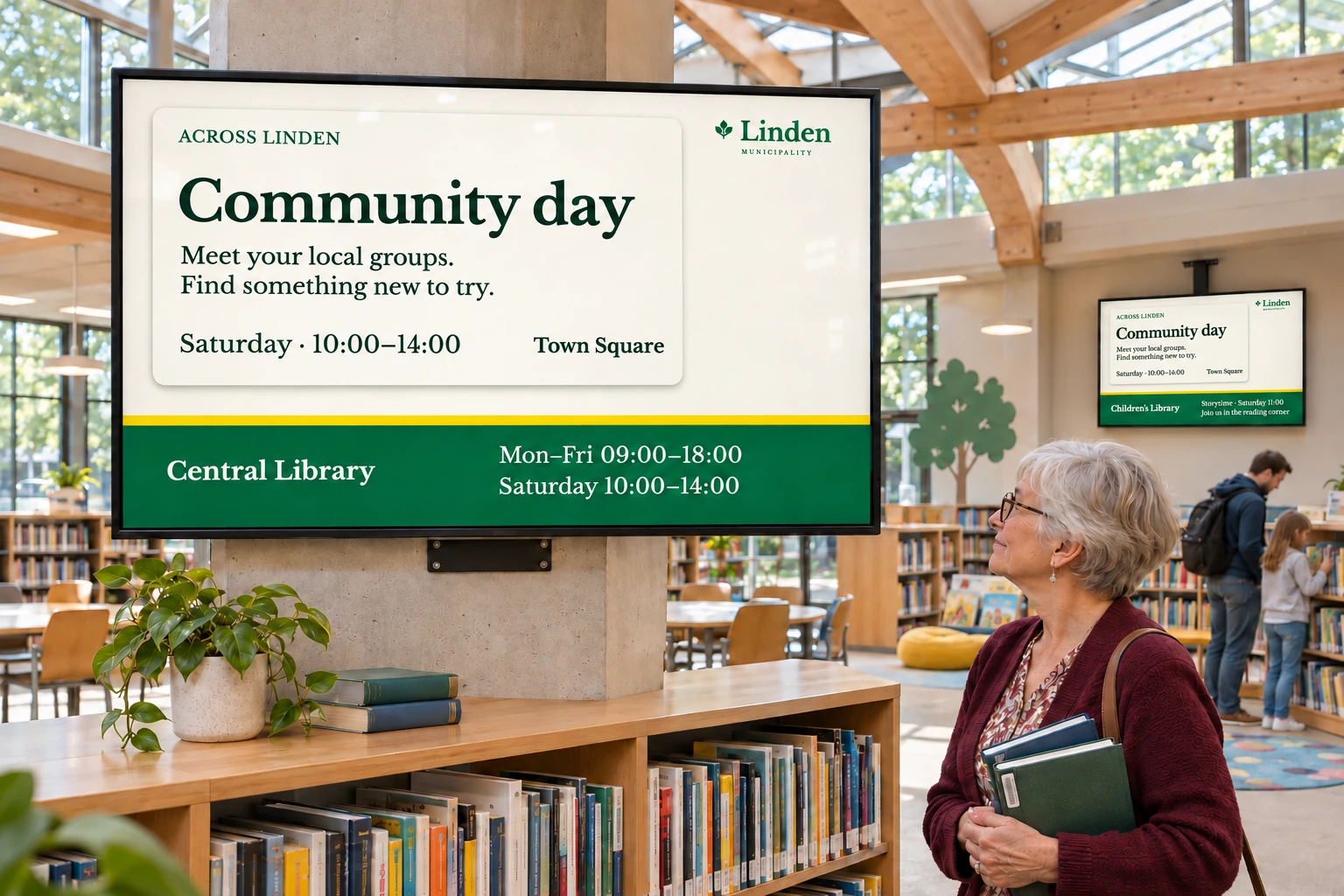
Copying the notice into every service's playlist makes later changes difficult: one building may miss an update while another keeps an old version. A single centrally maintained playlist creates the opposite problem if it leaves no room for a library event, classroom notice, or local service interruption.
Keep the shared message in one place
A central communications team can maintain a public-information channel, with a separate local channel for each participating building or service. Separate bookings let either team change its own content and schedule without replacing the other's work.
Screen folders organize displays by building, service, campus, or other stable area. Each folder supplies the normal channel and layout settings for its screens. A new location can then receive the common channel through its usual setup instead of being added to every existing booking by hand.
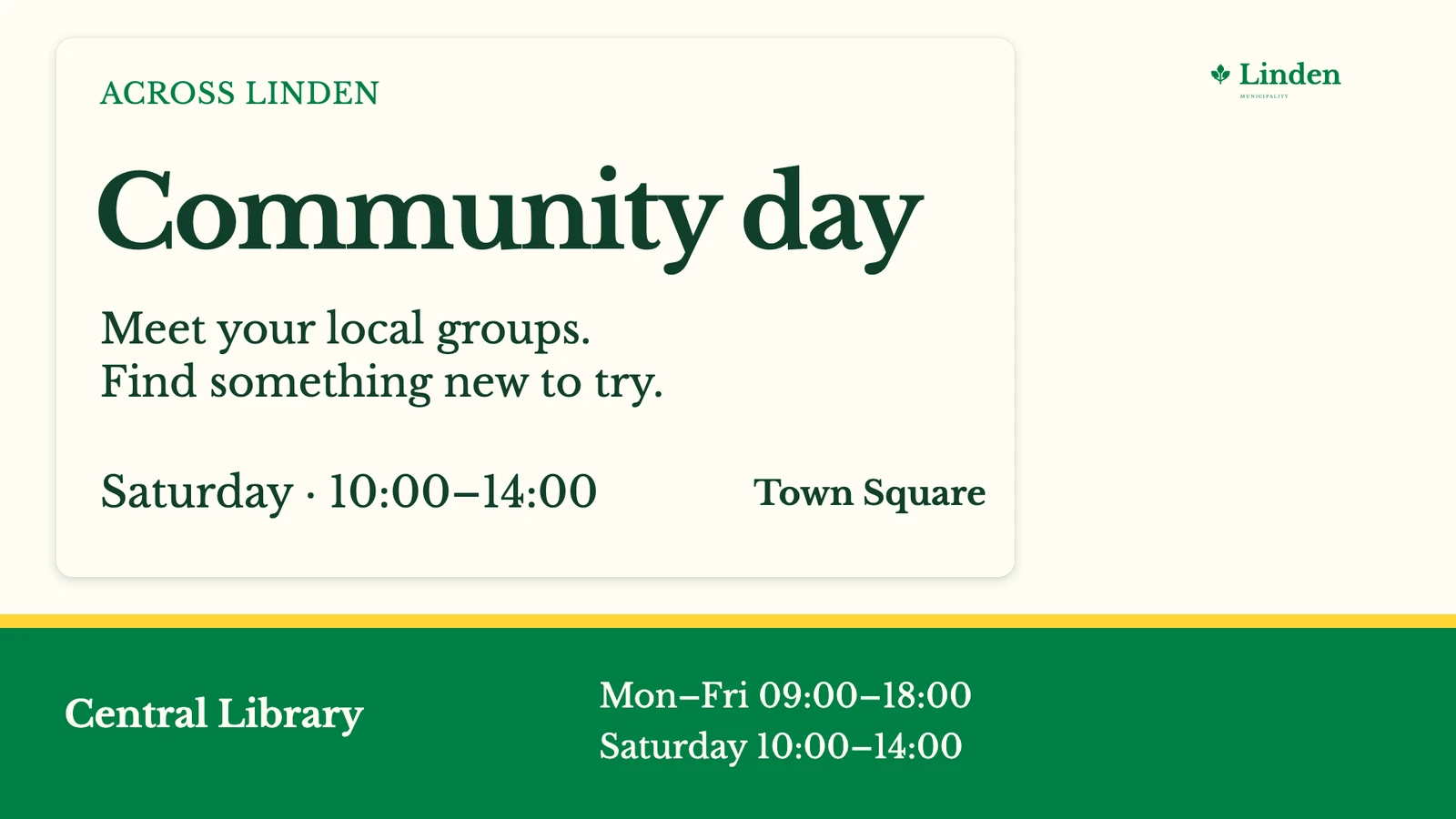
Where a notice and local information must remain visible together, a shared reception layout can give each channel its own area. The design is shared; the information in the local area remains specific to the service.
Give local staff responsibility for their information
The people who know a building's services should be able to maintain its notices. Groups grant access to their resources, while user profiles determine their permitted actions. A local group can include the building's screens and content, plus shared resources that its staff need, without giving Group Access users authority across the whole site.
This can work within one shared site when services share content, settings, and central administration. Separate sites suit units that require full separation of users, resources, settings, and administration. Set that boundary before organizing the buildings and their teams.
Public information officers, local administrators, and publishers can use the arrangement in different ways:
| Location | Shared information | Local information |
|---|---|---|
| Library | A municipal public campaign | Events and opening hours |
| School or campus | Municipality-wide announcements | School, campus, or classroom messages |
| Service office | A common public notice | Directions, local opening hours, or a service interruption |
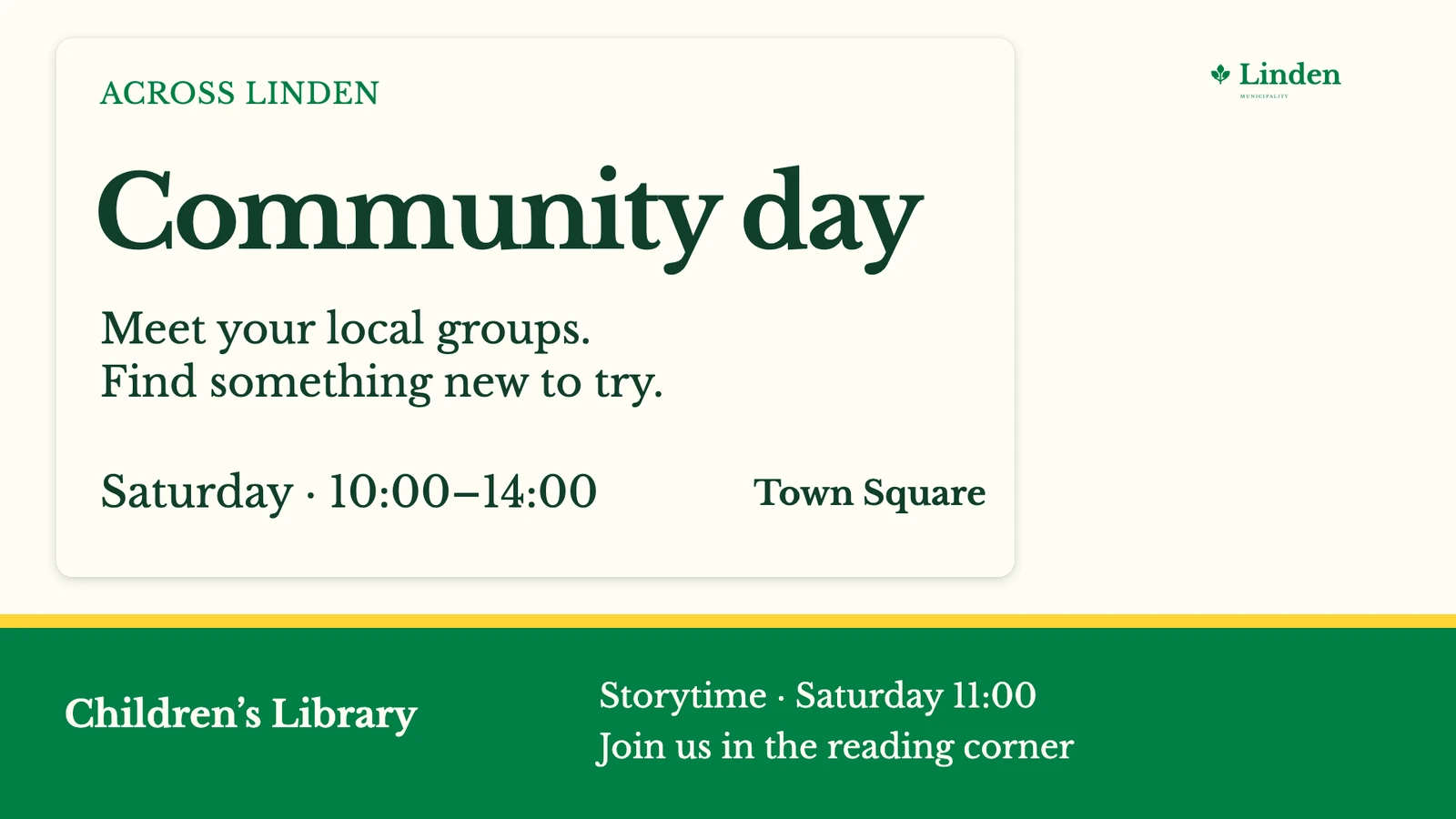
The publishing structure stays familiar as the information changes. IT and administrators also have a common arrangement to support across buildings.
Reuse a service's existing information where appropriate
If a service already maintains a public webpage, showing that webpage as media can avoid a second copy of the same information. Check that the page and player support the chosen playback mode before using it.
Internal staff information needs a separate decision about where it may appear. An intranet view belongs on the intended staff screens, not on a public display simply because both use the same site. Restricted web views depend on the source, player, authentication, and network together.
Advanced URL settings offer login, cookies, or custom headers only where supported; they do not make every secured page compatible. Test from the actual screen's network and keep fallback content for screens that cannot reach the internal source.
Introduce the arrangement one building at a time
Agree who owns each common notice, who keeps local information current, and when time-limited information should stop. Configure a building with its folder, local channel, and access group using Setting up groups and inviting users.
Check one central and one local message before adding more buildings. The check should establish both that each message reaches its intended audience and that local staff can maintain only the resources they need. Once that works, the same decisions can guide another library, school, or service office. The wider use-case library covers related display and publishing choices.